 Global | EN
 Canada | EN
 United States | EN
Turn every meeting recording into board-ready minutes.
Minutes Services AI listens to your audio or reads your transcript, then drafts accurate, properly formatted minutes with motions, seconds, and roll calls included in your organization's own format. Built for condo & HOA boards, non-profits, corporations, associations, and government boards alike.
14 days free trial · No credit card required · Encrypted & secure
01:42:07 recording
IV. Budget Approval
Watch a recording become board-ready minutes.
A quick walkthrough: connect Zoom, submit an order, review the transcript, and download the minutes in Word.
Ready to try it? Start your 14-day free trial
Built for the way boards already keep minutes
One tool, every kind of board meeting.
Whatever your board is called, Minutes Services adapts to how it runs meetings and what its minutes need to include.
Condominium & HOA Boards
Board meetings, annual meetings, budget meetings, and special or emergency sessions - documented to the standard your residents expect.
Non-Profit Organizations
Accurate records of regular and annual board meetings that help protect your organization in the event of a legal dispute or audit.
Corporations
Board, committee, and executive meetings documented with the confidentiality and consistency your governance requires.
Government Boards & Councils
Councils, commissions, and public committees - with motions, seconds, and roll-call votes captured for the public record.
Associations & Committees
Professional and trade associations documenting board meetings, committee sessions, and member events.
Any board that needs a record
If your organization keeps minutes, Minutes Services can learn the format and keep every meeting consistent with the last.
Meet Winston, your AI minute-taker
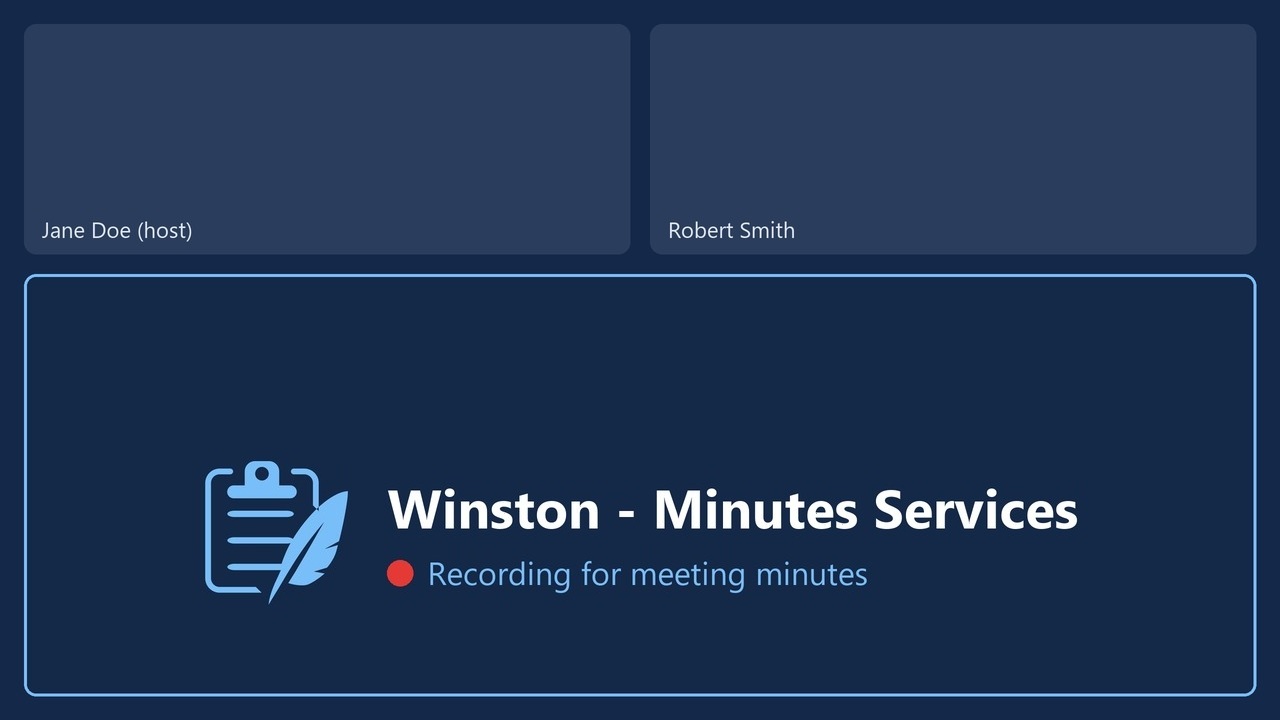
Have a meeting coming up? Send Winston to record it. It joins on Zoom, Microsoft Teams, Google Meet or Webex, records the meeting, and your draft minutes start on their own when the meeting ends.
- Schedule from Outlook or a link. Pick meetings from your Outlook calendar, or paste a meeting link and choose now or a later time.
- Real names and attendance. Speakers are labeled with their names in the meeting, and the attendees list shows who was present, absent, or a guest.
- Visible and in your control. Winston appears as a named participant showing that it is recording. Nothing is recorded unless you turn it on, and you can cancel it before it joins.
- 1
Schedule Winston
From your Outlook calendar or a meeting link.
- 2
It records the meeting
The host admits Winston like any other guest.
- 3
Your draft is ready
Transcript, speakers, and attendees are filled in for you.
From recording to record, in five steps.
Have recordings from your past meetings? Upload them and get the finished meeting minutes.
-
Upload your agenda
Minutes Services uses your meeting agenda to understand the structure of the meeting and match discussion to the right agenda item automatically.
Agenda1.2.3.4.5.+Upload agenda -
Upload sample minutes or choose a template
Upload a set of your past minutes and Minutes Services follows their format, wording and style. No sample handy? Choose a ready-made template for your kind of meeting instead.
YOUR SAMPLEDOCMarch-minutes.docxOR CHOOSE A TEMPLATECouncilBoardCommittee -
Upload the meeting recording
Upload audio or video in most common formats, or pull a recording straight from Zoom or a YouTube link. Already have a transcript? Start from that instead. For upcoming meetings, you can send Winston to record them instead.
Upload a fileZoom recordingYouTube linkMP4DoneCouncil-meeting.mp4Z68%Zoom - Budget work sessionYT22%youtube.com/watch?v=... -
Review and Confirm Speakers
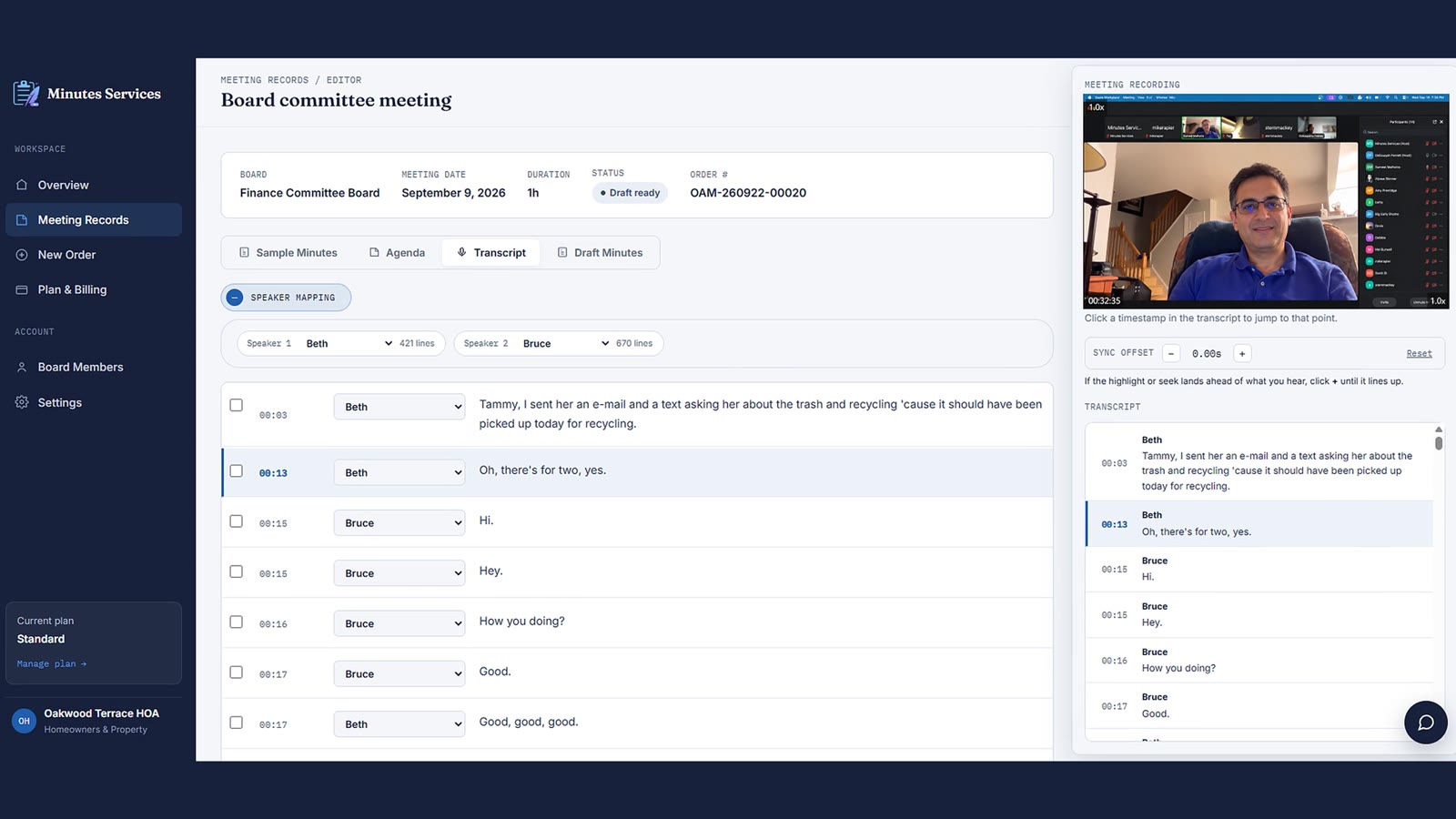
Review the transcript next to the video and confirm who is speaking. Minutes Services suggests a name for each voice; correct the speakers and the change carries through the rest of the draft minutes.
Council ChairMember Okafor ▾Speaker 3 - unassignedSuggested✓ -
Generate & customize your minutes
Minutes Services combines your agenda, transcript, confirmed speakers, and preferred format to create a draft of your minutes. Use the built-in editor to adjust or highlight wording, then export to Word or PDF.
City Council
Regular meeting minutes1. CALL TO ORDER2. APPROVAL OF MINUTESDOCWordPDFPDFRewrite
Built around how boards actually meet.
Built for board procedure, not general notes
Minutes Services understands motions, seconds, roll calls, and agenda items - not just paragraphs of transcript. It knows the difference between discussion and a decision.
Learn more
Save your Saturday
Minutes that used to take a full evening are ready to review in under an hour, so your week actually ends on Friday. Your board or staff can focus on the next meeting, not last week's.
Learn more
Your format, every time
Set your organization's minutes template once. Minutes Services fills it the same way, meeting after meeting, so your record stays consistent across the whole board.
Learn more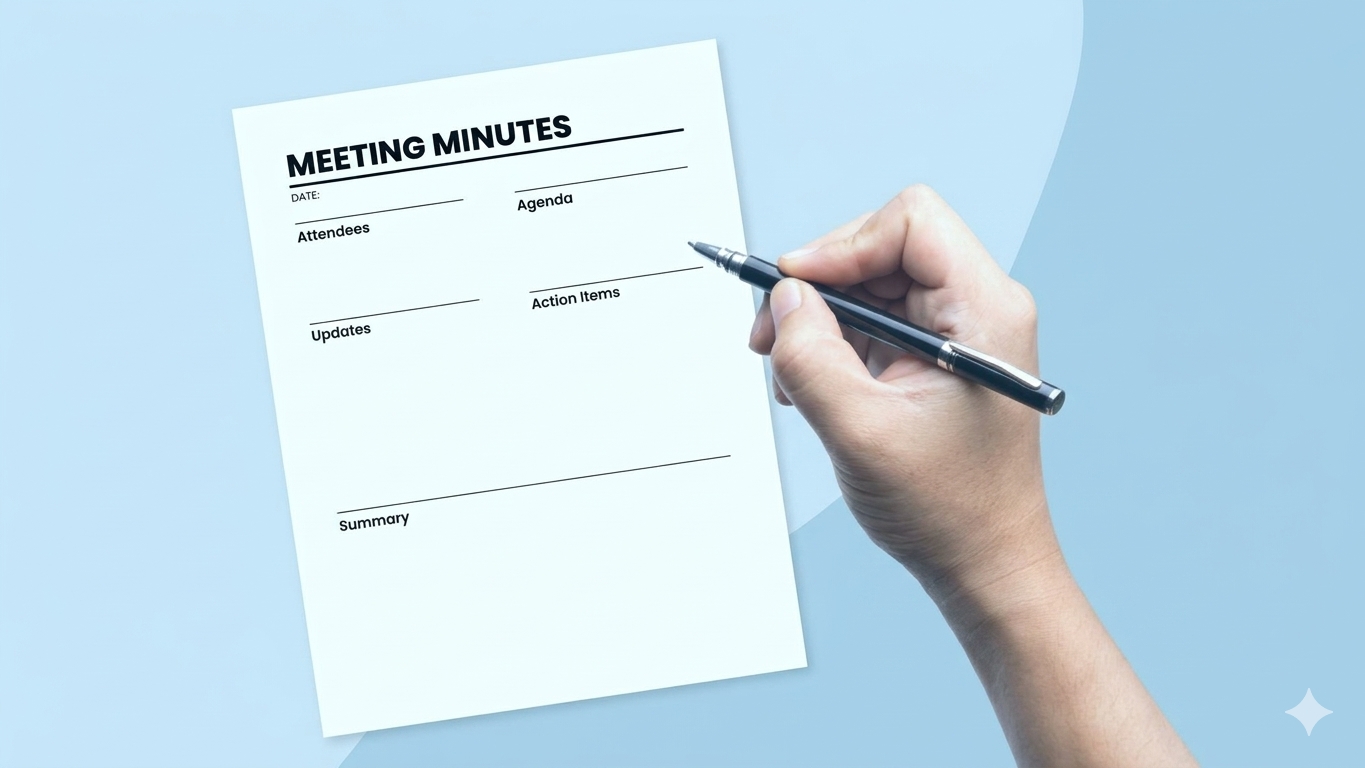
Confidential by default
Board discussions are often sensitive. Recordings and transcripts are encrypted in transit and at rest, and access is limited to what your organization authorizes.
See our security standards
Frequently asked questions
Minutes Services is built for board meetings specifically. It understands agendas, motions, seconds, and roll calls - not just general text - and produces properly structured minutes without manual reformatting.
Yes. Minutes Services is used for condominium and HOA board meetings, annual meetings, budget meetings, and special or emergency sessions, in addition to non-profit, corporate, association, and government boards.
Yes. Upload audio or video directly, or connect the platform you already record with. If you already have a transcript, you can start from that instead.
Minutes Services suggests speaker labels automatically and lets you confirm or correct them in a few clicks before minutes are generated.
Motions, seconds, and the outcome of each vote are identified and recorded clearly, so there's an unambiguous record of what the board decided.
Yes. Board discussions are often sensitive, so recordings, transcripts, and minutes are encrypted and access is limited to people your organization authorizes. See our security standards for details.
No. Most board secretaries and clerks are comfortable with the workflow after their first meeting. Guided walkthroughs are available if your team wants them.
Minutes Services is built to handle typical meeting-room audio, including cross-talk and room noise. You can always review and adjust any section before finalizing.