 Global | EN
 Canada | EN
 United States | EN
Everything that happens between your recording and the final record.
A closer look at how Minutes Services transcribes, structures, and formats your board's minutes.
The whole tour, in one video.
Watch a real meeting go from a Zoom recording to a finished set of minutes, then read how each step works below.
Ready to try it? Start your 14-day free trial
Three things Minutes Services is especially good at
AI transcription & speaker recognition
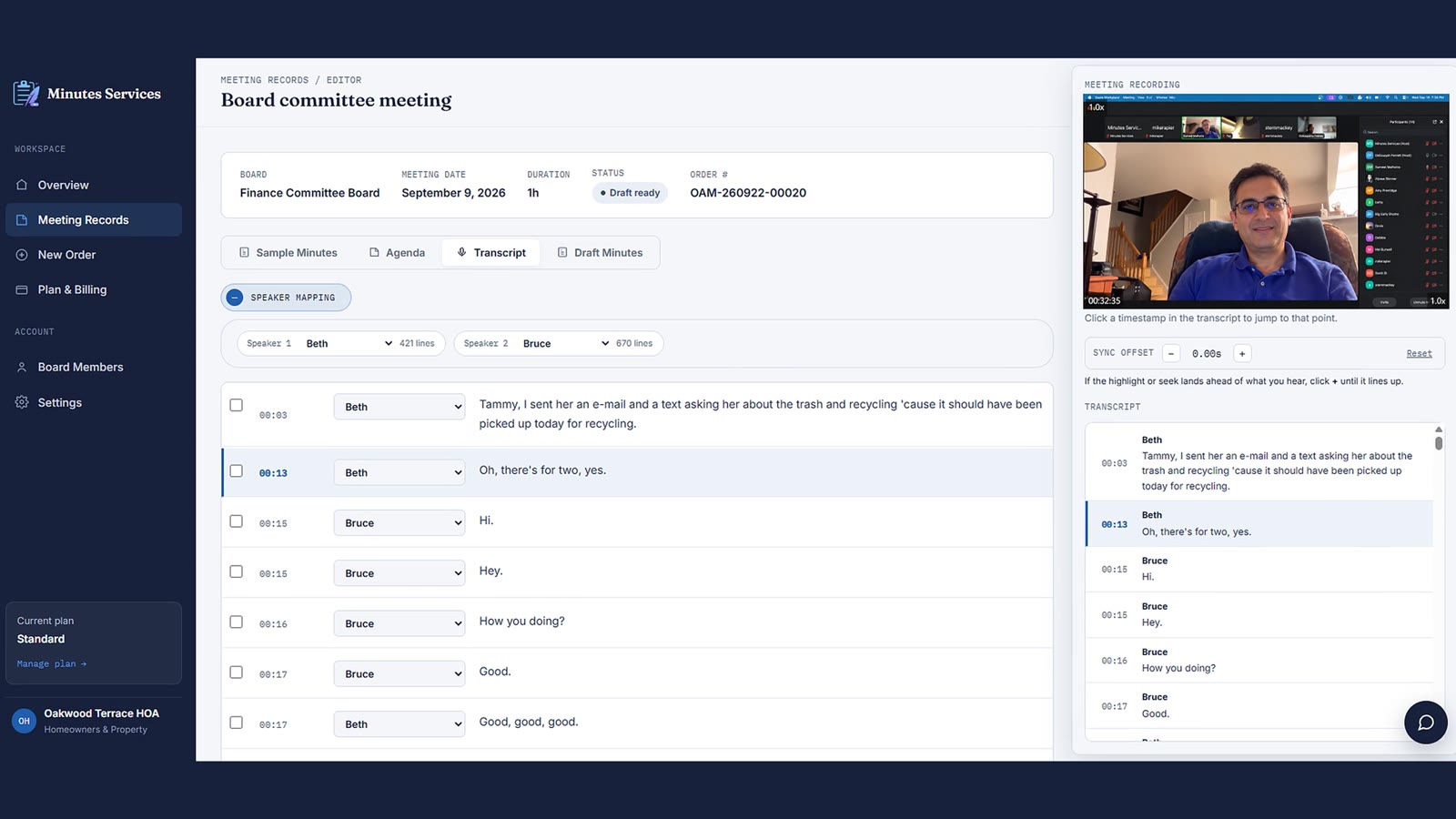
Every voice in the room is transcribed and matched to a speaker automatically, even across cross-talk and multiple microphones.
Motion & vote tracking
Motions, seconds, and the outcome of each vote are identified as they happen, so the final record is unambiguous.
Custom minutes templates
Provide your board's or municipality's minutes format - layout, section headers, fonts, level of detail, motions, and votes - and every set of minutes will follow it.
Meet Winston, your AI minute-taker
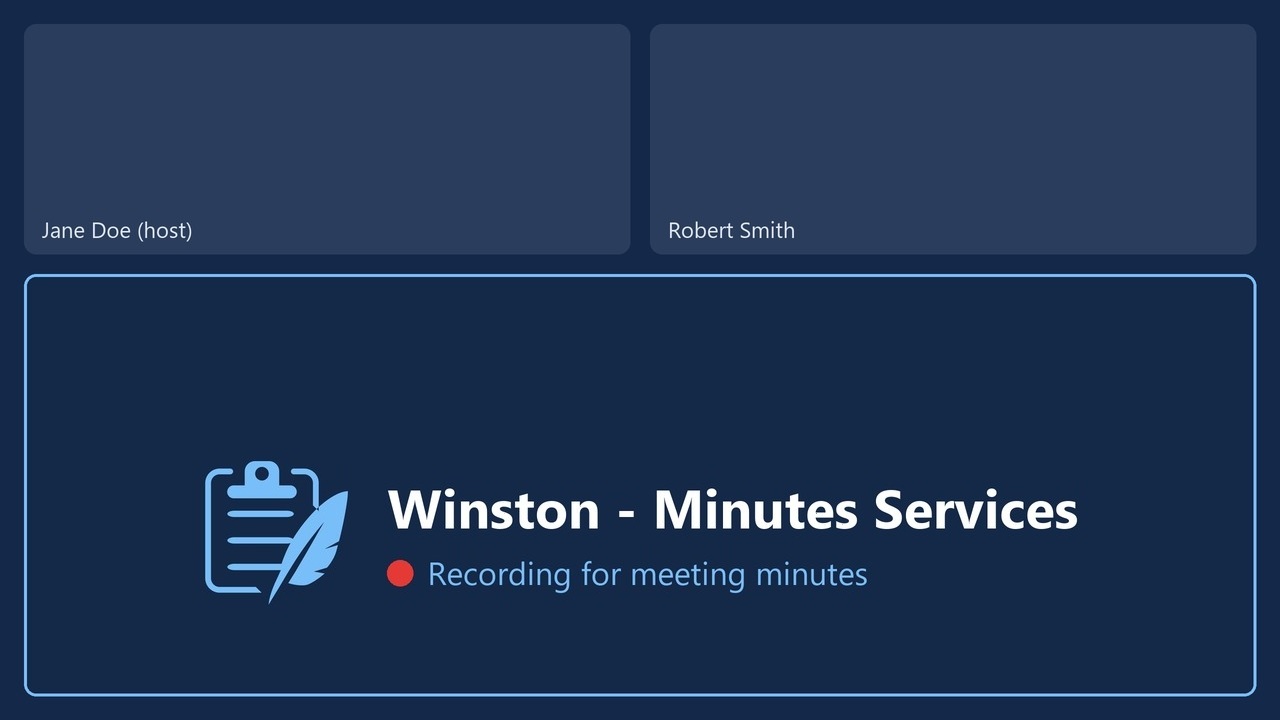
Have a meeting coming up? Send Winston to record it. It joins on Zoom, Microsoft Teams, Google Meet or Webex, records the meeting, and your draft minutes start on their own when the meeting ends.
- Schedule from Outlook or a link. Pick meetings from your Outlook calendar, or paste a meeting link and choose now or a later time.
- Real names and attendance. Speakers are labeled with their names in the meeting, and the attendees list shows who was present, absent, or a guest.
- Visible and in your control. Winston appears as a named participant showing that it is recording. Nothing is recorded unless you turn it on, and you can cancel it before it joins.
- 1
Schedule Winston
From your Outlook calendar or a meeting link.
- 2
It records the meeting
The host admits Winston like any other guest.
- 3
Your draft is ready
Transcript, speakers, and attendees are filled in for you.
From recording to record, in five steps.
Have recordings from your past meetings? Upload them and get the finished meeting minutes.
-
Upload your agenda
Minutes Services uses your meeting agenda to understand the structure of the meeting and match discussion to the right agenda item automatically.
Agenda1.2.3.4.5.+Upload agenda -
Upload sample minutes or choose a template
Upload a set of your past minutes and Minutes Services follows their format, wording and style. No sample handy? Choose a ready-made template for your kind of meeting instead.
YOUR SAMPLEDOCMarch-minutes.docxOR CHOOSE A TEMPLATECouncilBoardCommittee -
Upload the meeting recording
Upload audio or video in most common formats, or pull a recording straight from Zoom or a YouTube link. Already have a transcript? Start from that instead. For upcoming meetings, you can send Winston to record them instead.
Upload a fileZoom recordingYouTube linkMP4DoneCouncil-meeting.mp4Z68%Zoom - Budget work sessionYT22%youtube.com/watch?v=... -
Review and Confirm Speakers
Review the transcript next to the video and confirm who is speaking. Minutes Services suggests a name for each voice; correct the speakers and the change carries through the rest of the draft minutes.
Council ChairMember Okafor ▾Speaker 3 - unassignedSuggested✓ -
Generate & customize your minutes
Minutes Services combines your agenda, transcript, confirmed speakers, and preferred format to create a draft of your minutes. Use the built-in editor to adjust or highlight wording, then export to Word or PDF.
City Council
Regular meeting minutes1. CALL TO ORDER2. APPROVAL OF MINUTESDOCWordPDFPDFRewrite